Modals in inlines
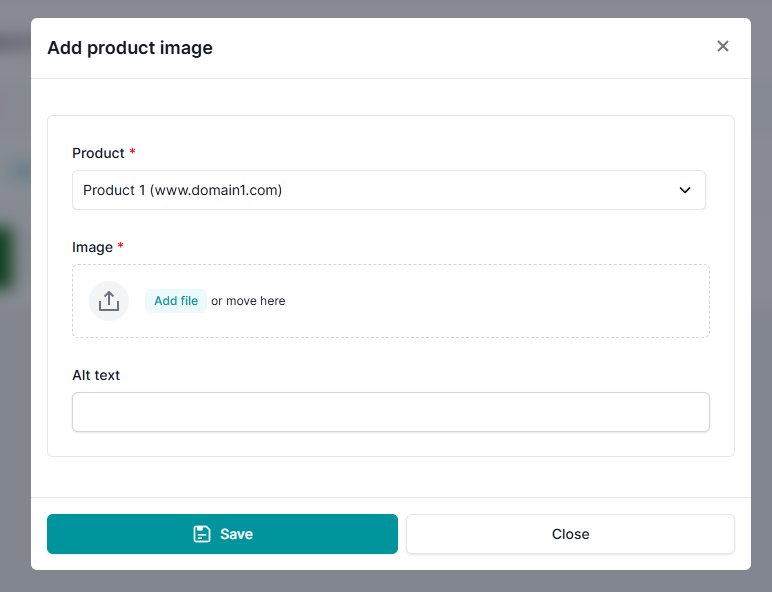
In addition to foreign key fields, Django SmartBase Admin also supports modals for inline models.
By default, clicking the “Add” button in a table inline simply inserts a new row directly into the inline formset.
However, if you set the sb_admin_add_modal attribute to True in your inline definition:
class ProductImageInline(SBAdminTableInline):
    ...
    sb_admin_add_modal = True
The "Add" button will open a modal dialog instead of inserting a blank row. This allows users to create a related object using a full form layout with validation, without leaving the current context.
The inline's model must have its own SBAdmin view registered with sb_admin_site. The modal uses the registered admin's change form to render the creation dialog. Without a registered admin, the modal URL cannot be resolved and will result in a NoReverseMatch error.